Project gallery
Project details
Tools & stack
- Next.js
- Node.js
- MongoDB
- QR Code
Problem and solution
Slow, paper-based ordering
Traditional menus and manual order-taking create friction for diners and staff, especially during busy hours when speed and clarity matter most.
QR menus with direct mobile ordering
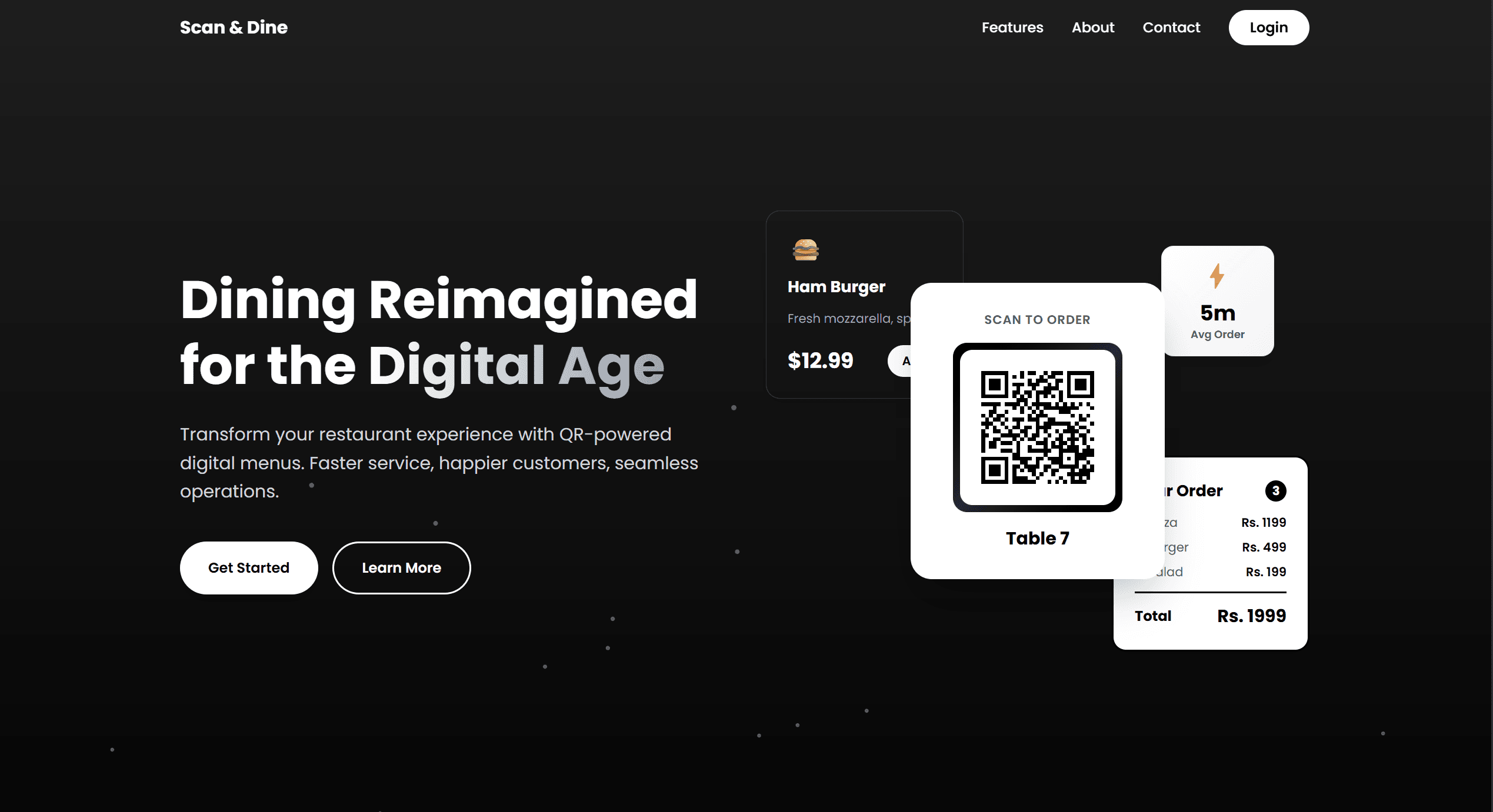
Customers scan a code, browse the menu, and place orders from their phones—keeping the experience lightweight while reducing wait times and staff overhead.
Process & highlights
Menu mapping
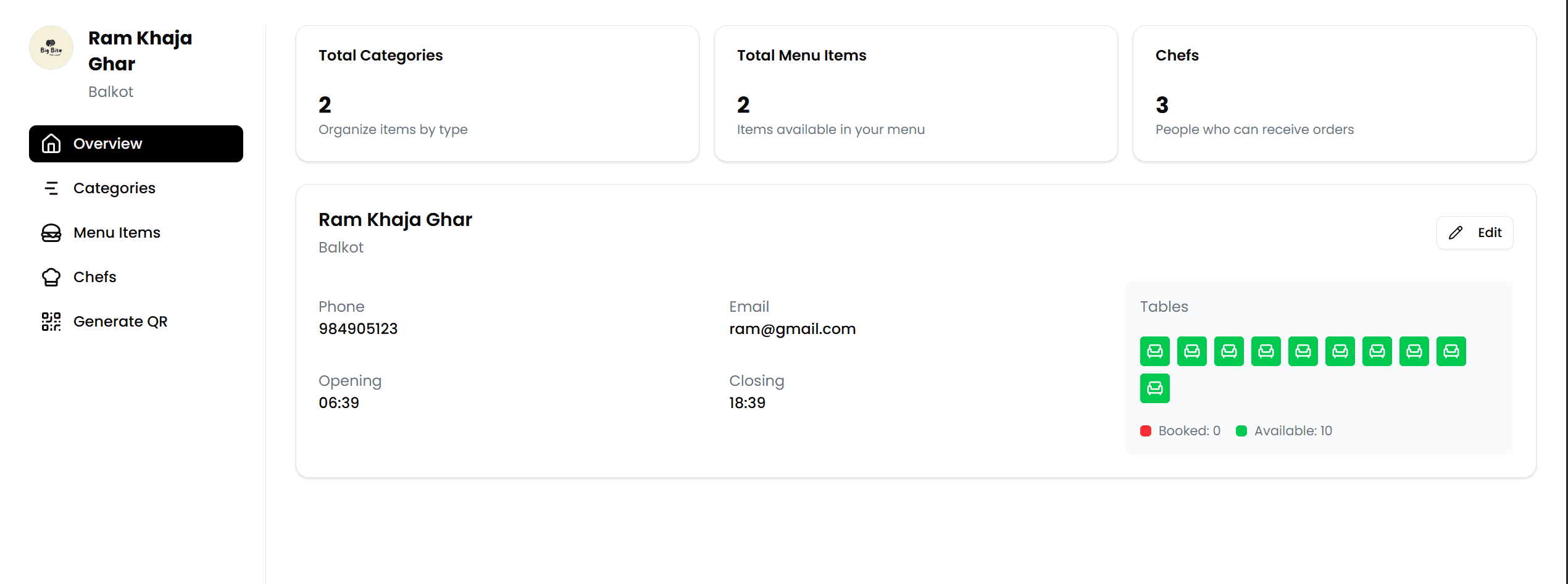
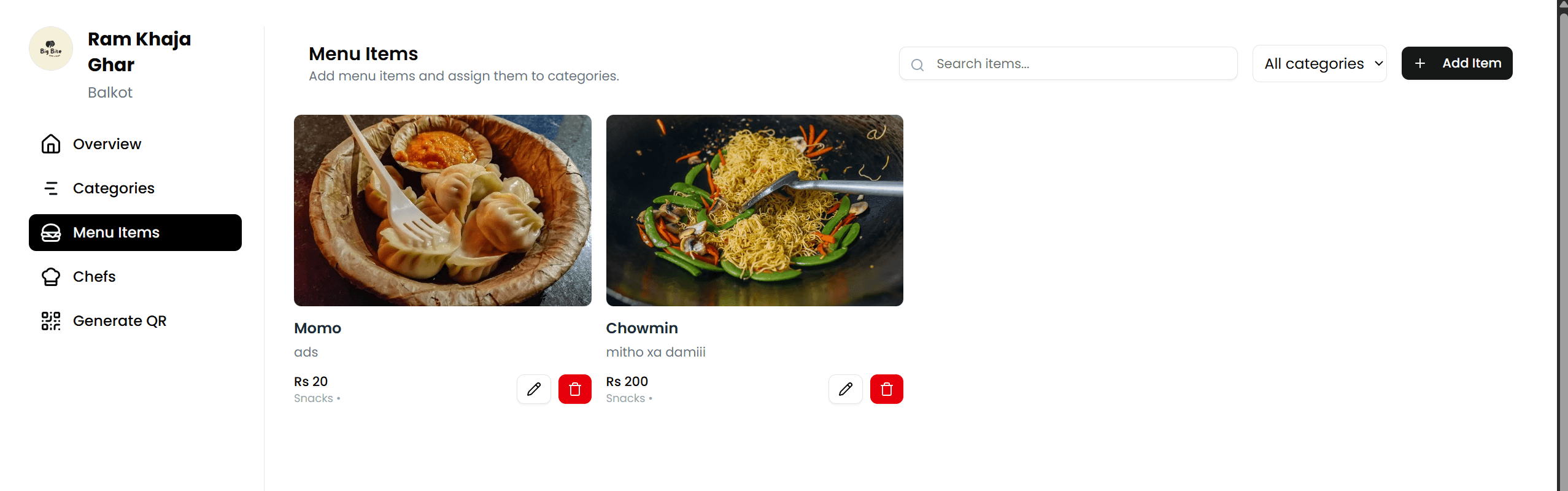
Mapped restaurant categories, item states, and ordering paths so diners could move from scan to checkout with fewer taps.
Ordering flow
Designed a lightweight flow for selecting items, customizing orders, and confirming requests without slowing the dining experience.
Kitchen handoff
Structured the order data to be clear for staff, making it easier to handle requests and reduce confusion during peak hours.
Launch polish
Refined spacing, feedback states, and presentation details to keep the experience clean on both customer and staff screens.
Project output
QR-powered ordering flow
QR menu access
Mobile-first ordering flow
Frictionless cart-to-order flow
Restaurant-friendly menu structure
Clear order handoff for staff
Faster table-side experience